Designing Thumbnails for Education Videos
In the crowded digital landscape of online learning, your content’s value is often judged before a single second of video plays. A Thumbnail for Any Education Video serves as the digital storefront for your lesson, tutorial, or course introduction. It is the first point of contact between an educator and a potential student. If the visual hook fails to capture attention, even the most meticulously planned curriculum may go unnoticed. Understanding how to craft compelling visuals is no longer just a skill for graphic designers; it is a fundamental requirement for teachers, tutors, and educational institutions aiming to expand their reach.
The primary purpose of an educational thumbnail is to communicate clarity and credibility instantly. Unlike entertainment thumbnails that might rely on shock value or exaggerated expressions, education-focused visuals must promise specific knowledge or solutions. When a viewer scrolls through a platform like YouTube or a learning management system, they are looking for answers. Your thumbnail needs to signal that you hold those answers. This involves balancing aesthetic appeal with informational density, ensuring the image is clean enough to be understood at a glance but detailed enough to convey the topic’s seriousness.
The Core Elements of Effective Educational Visuals
Creating a high-performing Thumbnail design for any education videos requires attention to several key components. First, typography plays a critical role. Text overlays should be minimal, using large, bold fonts that remain legible on small mobile screens. Ideally, limit your text to three or four words that highlight the core benefit, such as "Master Algebra" or "Quick Grammar Fix." Avoid cluttering the space with long sentences, as these become unreadable when the image is scaled down.
Secondly, human connection drives engagement. Including a face in your thumbnail can significantly increase click-through rates. For educators, this means showing yourself in a teaching pose, pointing to a diagram, or displaying an expression of enthusiasm. This human element builds trust and suggests that there is a real person behind the screen ready to guide the learner. However, ensure the facial expression matches the tone of the lesson. A serious financial planning course requires a different demeanor than a fun, interactive science experiment for kids.
Color psychology also influences viewer behavior. Bright, contrasting colors help your thumbnail stand out against white or dark backgrounds typical of video platforms. Blue often conveys trust and professionalism, making it suitable for academic subjects, while orange and yellow can evoke energy and creativity, fitting for arts or innovative tech topics. Consistency in your color palette across multiple videos helps build brand recognition, allowing returning students to identify your content quickly.
Specialized Uses: Admissions and Institutional Branding
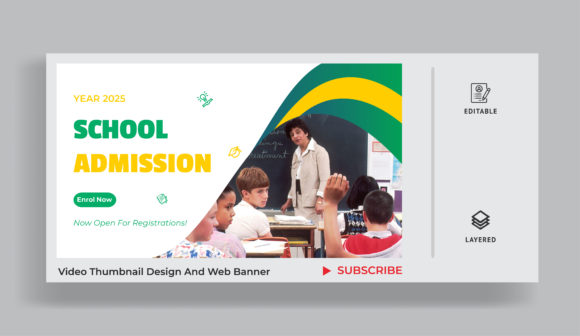
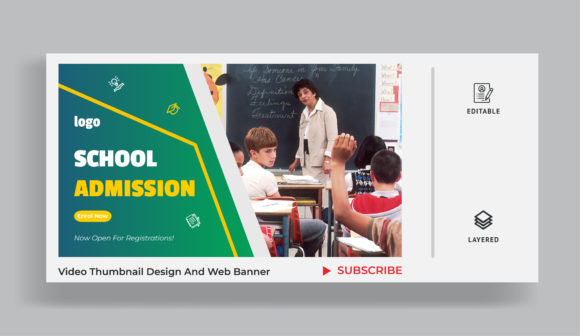
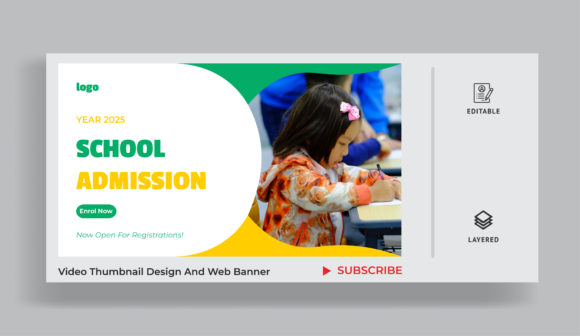
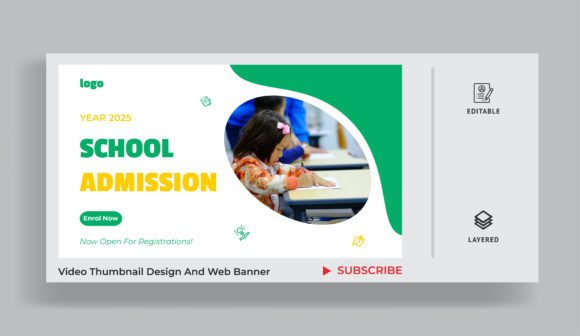
Beyond individual lessons, these design principles extend to broader institutional goals. Consider the School education admission video thumbnail. This specific type of visual serves a different function: it sells an experience and a future. Instead of focusing on a single lesson, the imagery should showcase campus life, happy students, modern facilities, or graduation moments. The goal here is to evoke aspiration and belonging. Parents and prospective students are not just looking for information; they are looking for a community. A well-designed admission thumbnail uses warm lighting and authentic candid shots to create an emotional connection, encouraging viewers to click and learn more about enrollment opportunities.
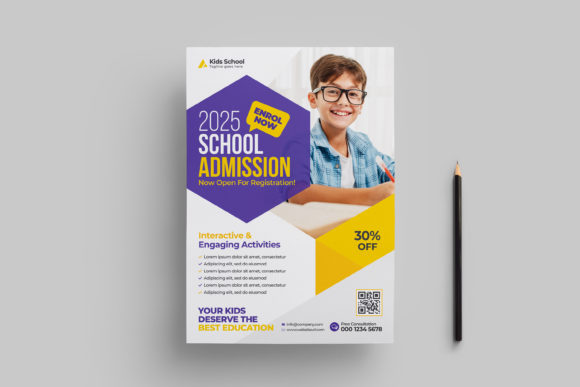
Similarly, educational organizations often need versatile assets for cross-platform promotion. A web banner template designed for educational purposes must adapt to various dimensions while maintaining visual integrity. These banners are used on websites, social media headers, and email newsletters. They require a balance of branding elements, such as logos and taglines, with clear calls to action. Using a modular template allows schools and ed-tech companies to swap out text and images quickly for different campaigns, such as open house events, new course launches, or scholarship announcements, without needing to redesign from scratch each time.
Practical Applications for Creators and Educators
For independent tutors and course creators, mastering thumbnail design can directly impact revenue and student retention. Imagine you are creating a series on coding for beginners. Your first video might have a generic title, but a thumbnail featuring a clean code snippet, a friendly instructor, and the text "Start Coding Today" creates a clear value proposition. This approach reduces the cognitive load for the viewer, who immediately understands what they will gain from clicking.
- Online Courses: Use consistent branding to make your course library look professional and organized.
- Webinars: Highlight the speaker’s expertise and the specific problem the webinar solves.
- Tutorials: Show the "before and after" result to demonstrate the practical outcome of the lesson.
- Institutional Marketing: Focus on community, success stories, and campus environment to attract applicants.
Freelancers and marketers working with educational clients should also consider the context in which the thumbnail appears. A thumbnail that looks great on a desktop might lose detail on a smartphone. Always test your designs at smaller sizes to ensure readability. Additionally, avoid misleading imagery. Clickbait tactics may generate initial clicks, but they lead to high drop-off rates if the content does not match the visual promise. In education, trust is paramount. Misleading thumbnails damage credibility and hinder long-term audience growth.
Important Considerations Before You Design
Before diving into design tools, take a moment to define your target audience. Are you speaking to university students, corporate professionals, or young children? Each group responds to different visual cues. Corporate learners prefer clean, minimalist designs with professional attire, while younger audiences may engage more with vibrant colors and playful graphics. Understanding your audience ensures your Thumbnail for Any Education Video resonates with the right people.
Also, consider the technical specifications of the platforms you use. Most video platforms recommend a 16:9 aspect ratio with a resolution of 1280x720 pixels. Sticking to these standards ensures your images load quickly and display correctly across devices. Finally, analyze your competitors. Look at successful channels in your niche. What colors do they use? How do they frame their subjects? While you should never copy, observing trends can provide valuable insights into what works in your specific educational sector.
Investing time in thoughtful thumbnail design is not merely about aesthetics; it is about respecting your audience’s time and attention. By creating clear, honest, and visually appealing entry points to your content, you enhance the learning experience before it even begins. Whether you are promoting a single tutorial or an entire school admission campaign, the right visual strategy can transform passive scrollers into engaged learners.